 Try the demoGet the app
Nukleus ties a league, its programs, their teams and every family together in one app. Pick who you are for a step by step guide. Every picture below comes from the demo league, which you can click through yourself with no account.
Following your kid's team is free. You get the schedule and practices, snack sign ups, game day details, alerts, your kids' own pages and a feed of photos from the team and the league.
Install the app (see Get the app), create your free account and agree to the media consent once.
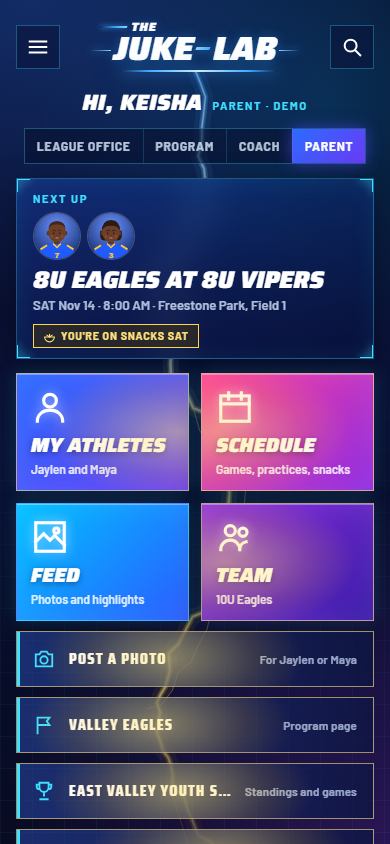
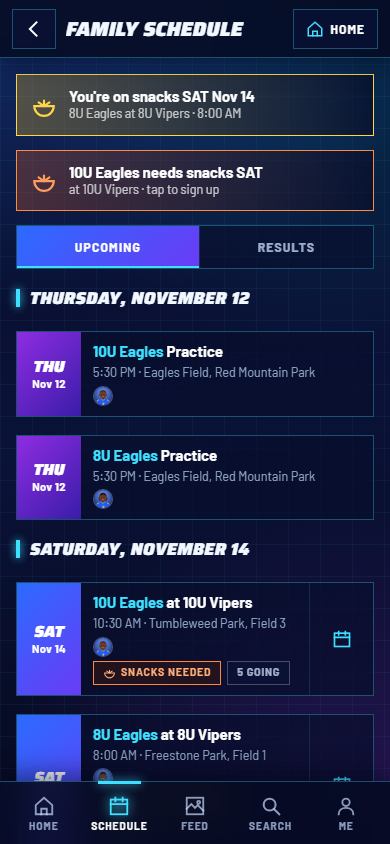
Tap Schedule to see every game and practice for all your kids in one list, by day, with your kid's picture on each one.
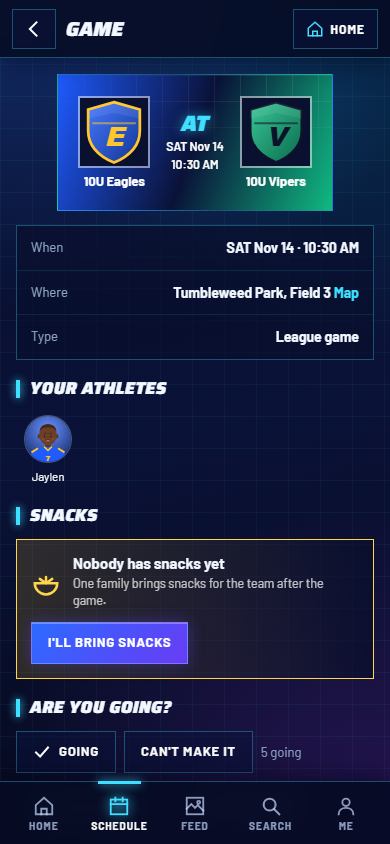
Tap any game to open it: both teams, the time, the field with a Map link, and your athletes.
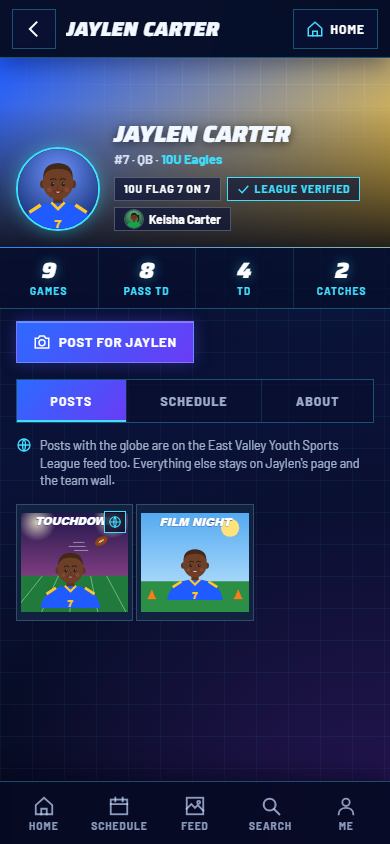
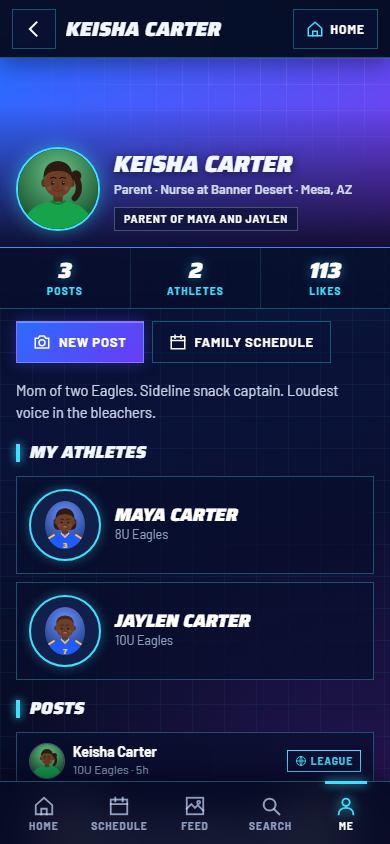
Each kid has a page with their picture, number, position, team, season stats and a photo grid of every post about them.
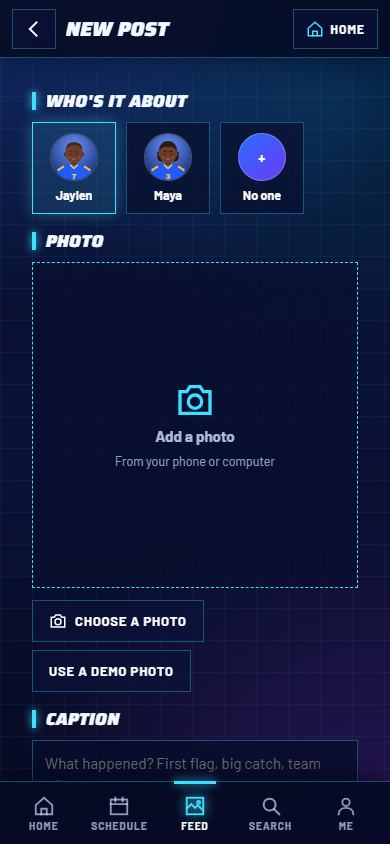
Tap Post a photo, pick which kid it's about, add the photo and a caption.
When your league, program or coach runs Of the Week, post a 10 to 15 second clip of your kid's best moment after game day and tick the award: Juke, Throw, Run, Interception, Goofy Moment and more. It goes straight into the voting. Everyone gets an alert when voting opens and a reminder the day before it closes. Winners get a badge on their own page and on yours, and sometimes a prize. Entering and voting are free.
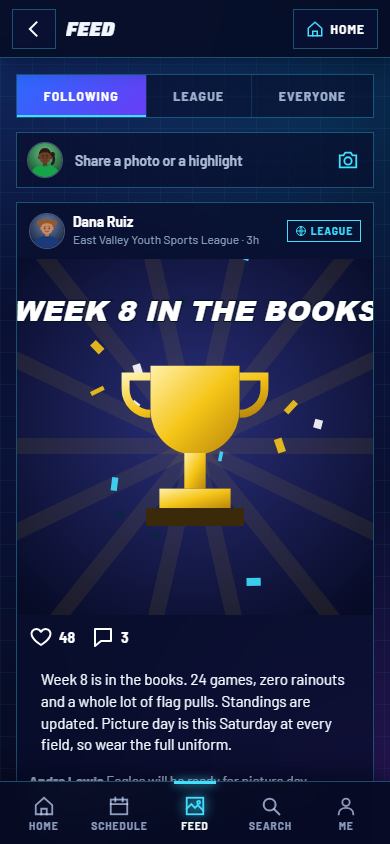
The Feed has three tabs: Following (your teams, programs and league), League and Everyone. For $4.99 one time, family extras add the coach's playbook (study the plays and watch them run), game stats, live streams and printable award cards. Some programs include the extras for every family.
Players use a parent's account, or their own account with the team code. Your parent controls what gets posted about you.
When your coach shares the playbook (a family extra), open it on your phone, tap any play and tap Simulate to watch it run. Your route is in your color, and the numbers show the order the quarterback reads.
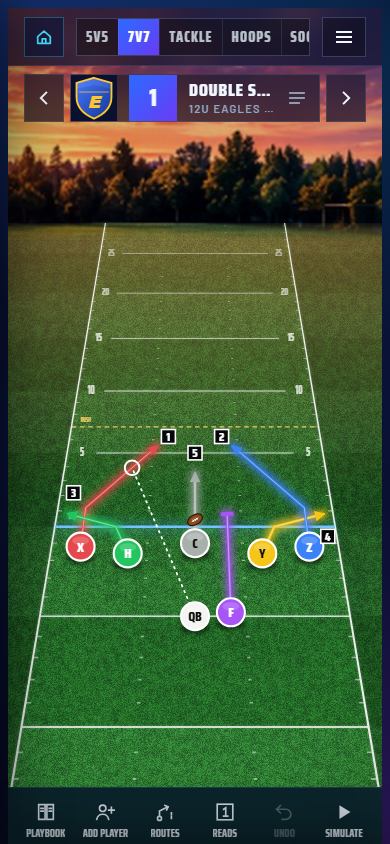
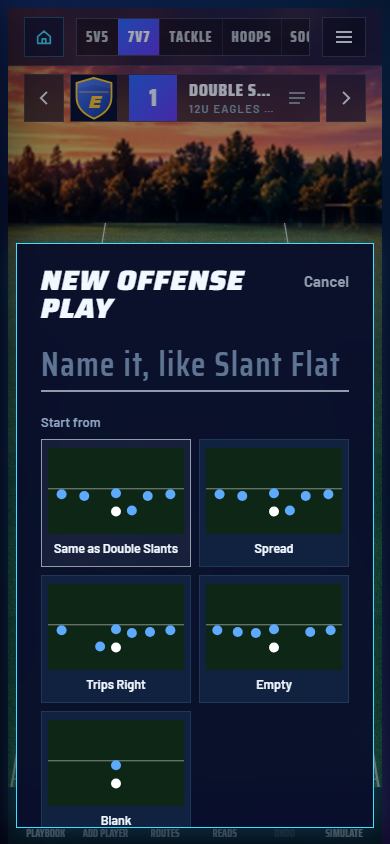
Draw plays in Playmaker, powered by JukeLab, for flag 5 on 5, flag 7 on 7, tackle, basketball and soccer, run your team's schedule and practices, and keep every family in the loop. A coach on a program's staff gets every sport included.
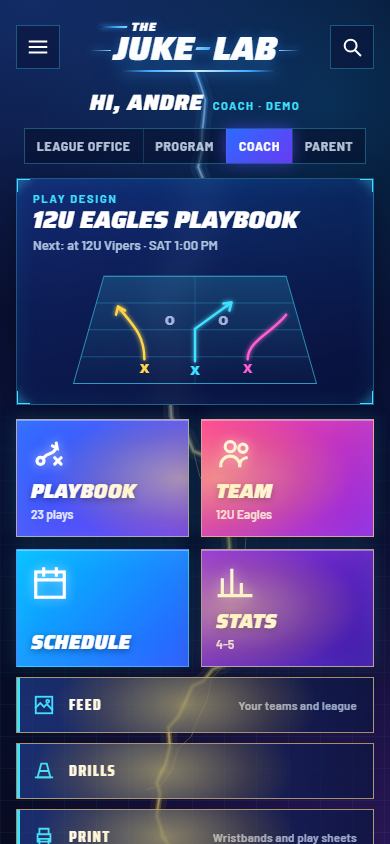
Playbook, Team, Schedule and Stats up top, then the feed, drills, printing, your program and your league. The panel at the top shows your next game.
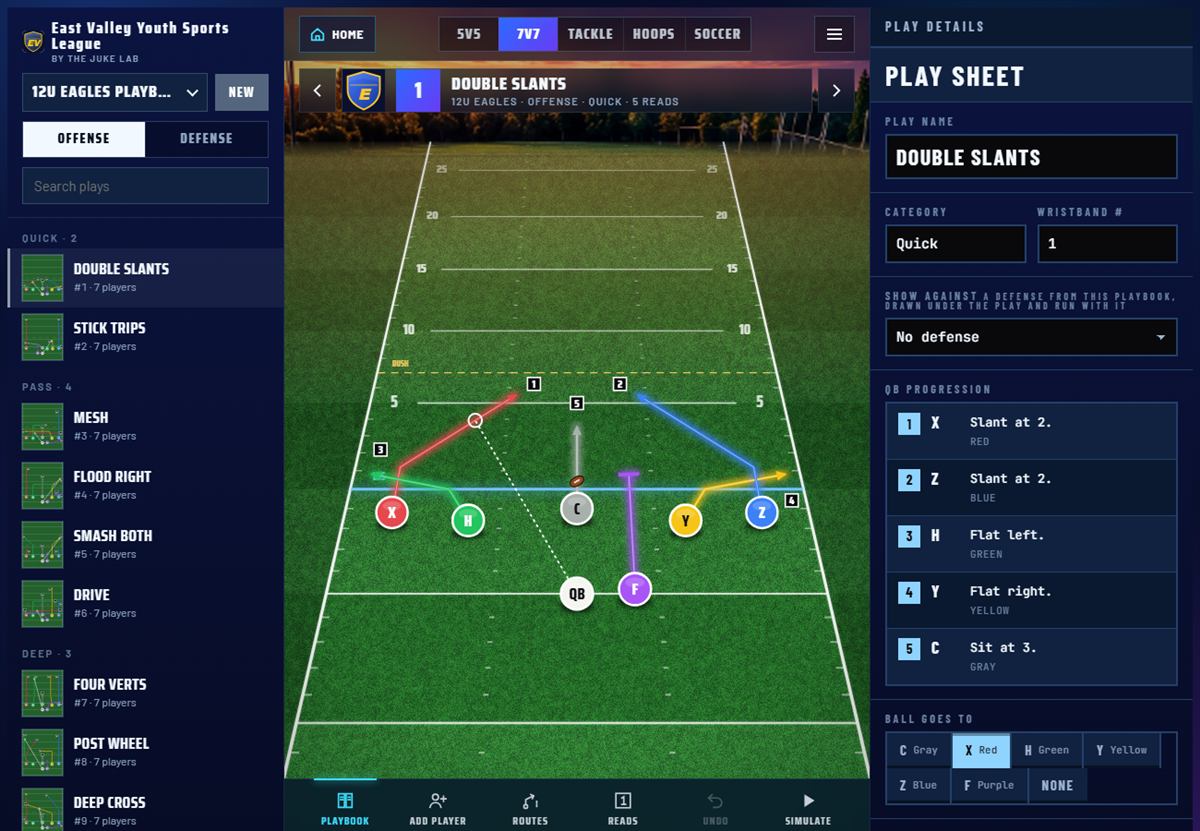
On a big screen the playbook sits on the left, the field in the middle and the play sheet on the right: name, category, wristband number, the QB progression and who the ball goes to. Print wristbands and play sheets from the menu.
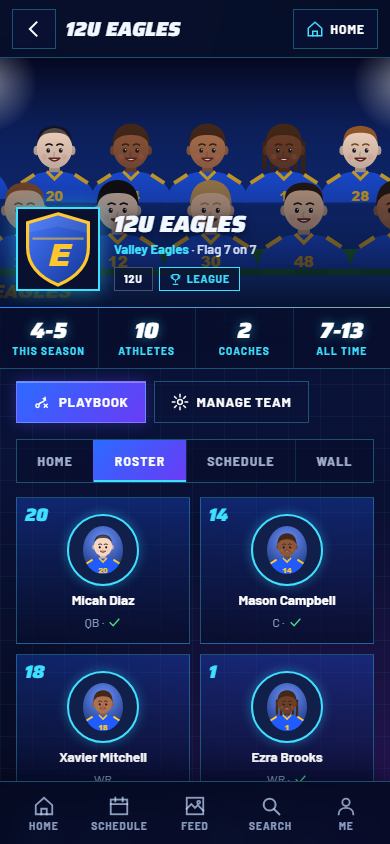
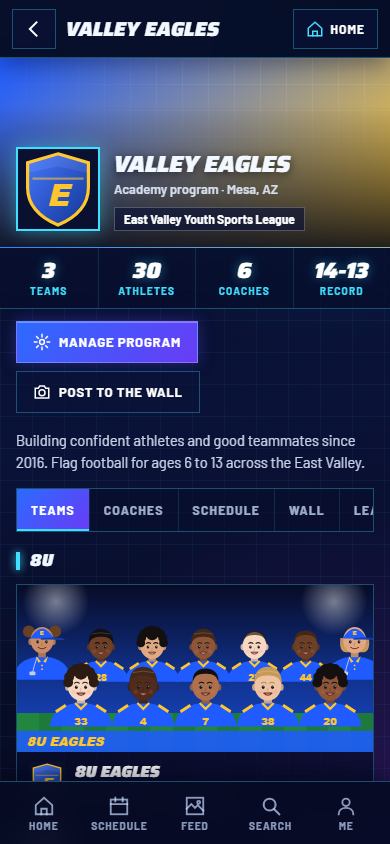
A program (club or academy) runs all its teams from one page: every age group, every coach and every family, with its own logo, colors and wall.
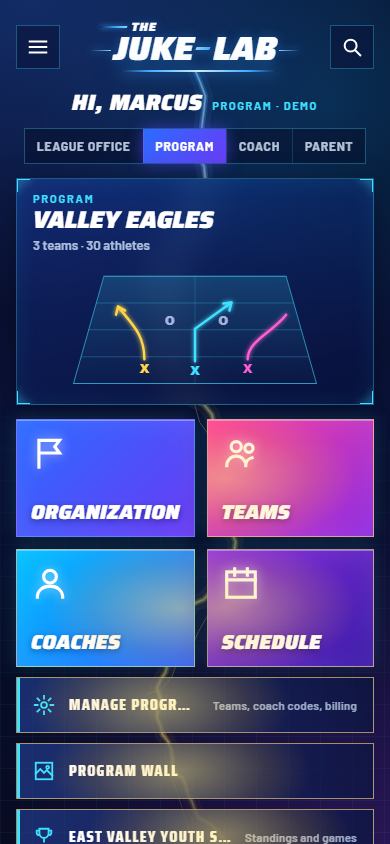
Pick Community, Club or Academy (see Pricing), name the program, then add a team for each age group. Your program home shows the organization, teams, coaches and schedule up top.
Open the Leagues tab on your program page and pick any league on Nukleus, with no code needed. All your teams join together, and if the league charges a team entry fee you see it before you pay. League games land on your teams' schedules on their own.
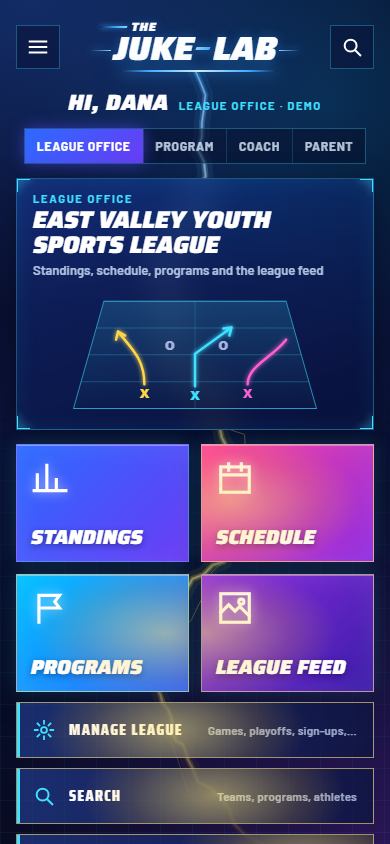
The league office runs the whole season: programs and teams by age group, the schedule, standings, playoffs, sign ups, fees and announcements.
Standings, Schedule, Programs and the League feed up top. Manage league holds the tools: games, playoffs, sign ups, team fees and settings.
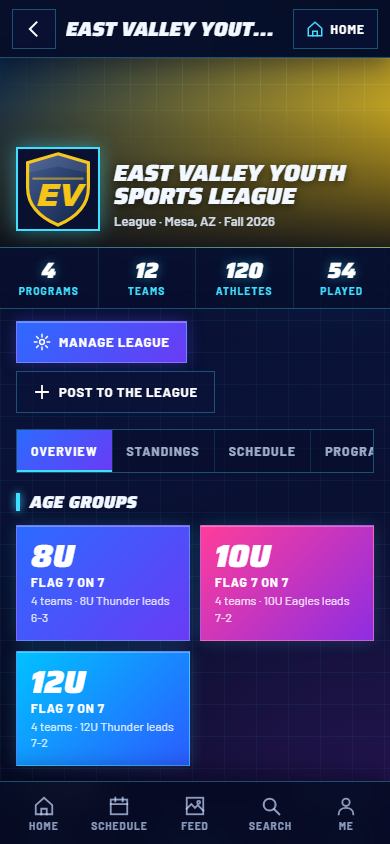
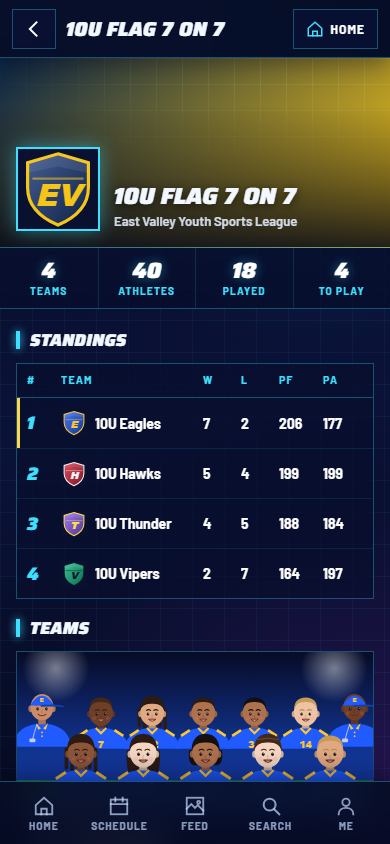
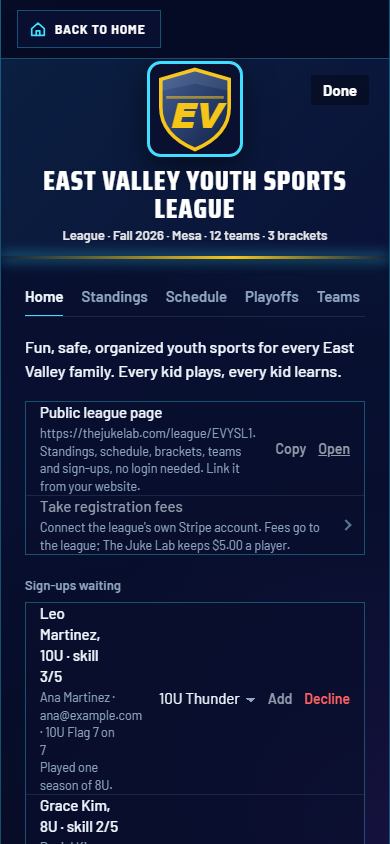
Everything around game day, in the same app.
Find leagues and tournaments by state or ZIP, sport, age group and status. Every card has a Register / Sign Up on Official Site button that goes straight to the organizer. Open one for the Event Center: age group tabs, standings with W-L-T, points for and against, and the bracket. While games are on, scores refresh every minute.
Add your team's ZIP and Nukleus looks for your league or tournament. Tap Yes, Attach & Auto-Sync and your games, times and fields land on your schedule and stay in sync. No match? Paste your league's calendar link (.ics) or import a CSV file.
Walk-Ups opens The Hitter's Lineup for walk-up songs and game day announcements. Highlights takes a clip up to 15 seconds: tag your athlete, a coach verifies it, and you can share it with a link.
Families follow for free. Only coaches and programs have monthly plans.
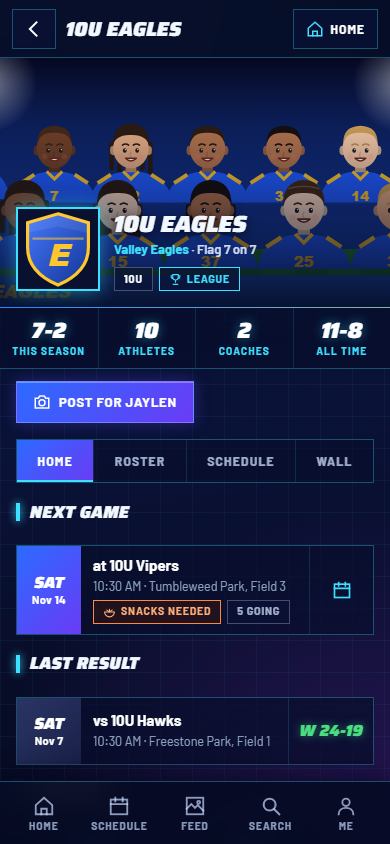
Follow your team with its code: schedule and practices, alerts, RSVP, snacks, the team wall, the community and your kids' pages.
The coach's playbook to study and run, game stats and live streams.
Flag 5 on 5, flag 7 on 7, tackle, basketball or soccer play designer. All sports together are $7.99. An extra playbook is $2.99.
Unlimited printing, a linked playbook for the whole staff, cloud sync, wristbands and playbook emails to parents.
A program with up to 3 teams and 3 coach spots.
Unlimited teams, 3 coach spots on each.
Unlimited teams, 5 coach spots on each, for a full staff.
League page, schedule builder, standings, playoffs, sign ups and fees paid straight to the league.
Only people in your kid's program and league, and only what you choose to share with the league. Photos are never sold or used to make money. Everyone agrees to the media consent once when they join.
Yes. Once it's installed, your playbooks and the last schedule you opened work offline, and everything syncs when you're back online.
No. It installs straight from your browser on iPhone, Android and computers. See Get the app.
Yes. Try the demo: a whole made up league with programs, teams, players, parents, a schedule and a feed. Nothing you do there touches a real account.